
An assistant that keeps working
According to the Last Week in AI channel, Dots expands the AI assistant from a chat window into an agent that can keep working in the background. Andrey Kurenkov and Jeremie Harris discuss the September 29 launch in episode 259, recorded the following day. A dot has its own cloud computer and can pursue a task between conversations.
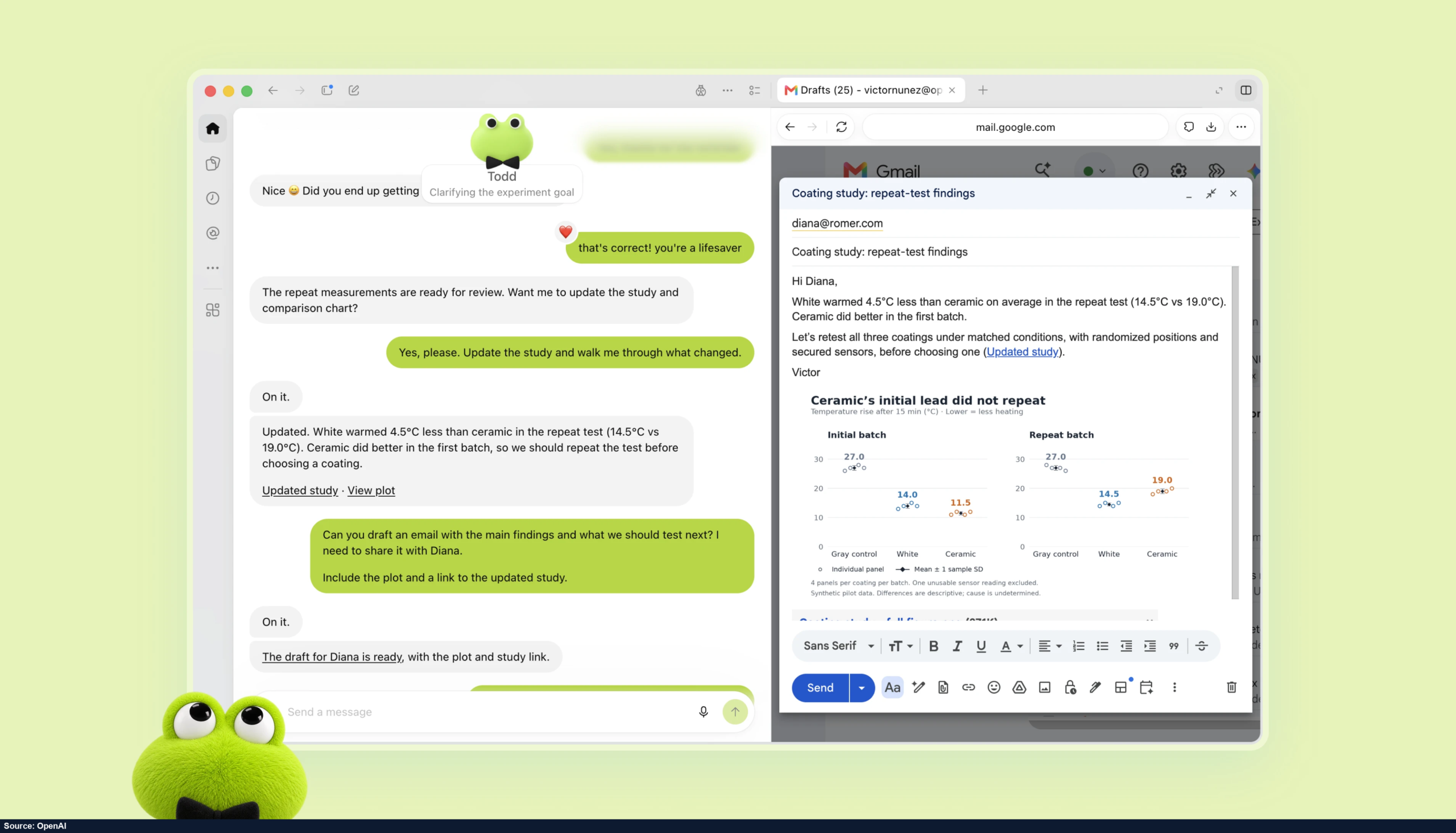
The podcast gives examples such as working with calendars, handling email, gathering customer feedback on a schedule and analyzing scientific material. The idea is to give the agent a goal and let it follow the necessary steps, rather than asking a person to restart every individual action. Each dot can have a recognizable avatar and its own working identity.
Accounts, applications and teams
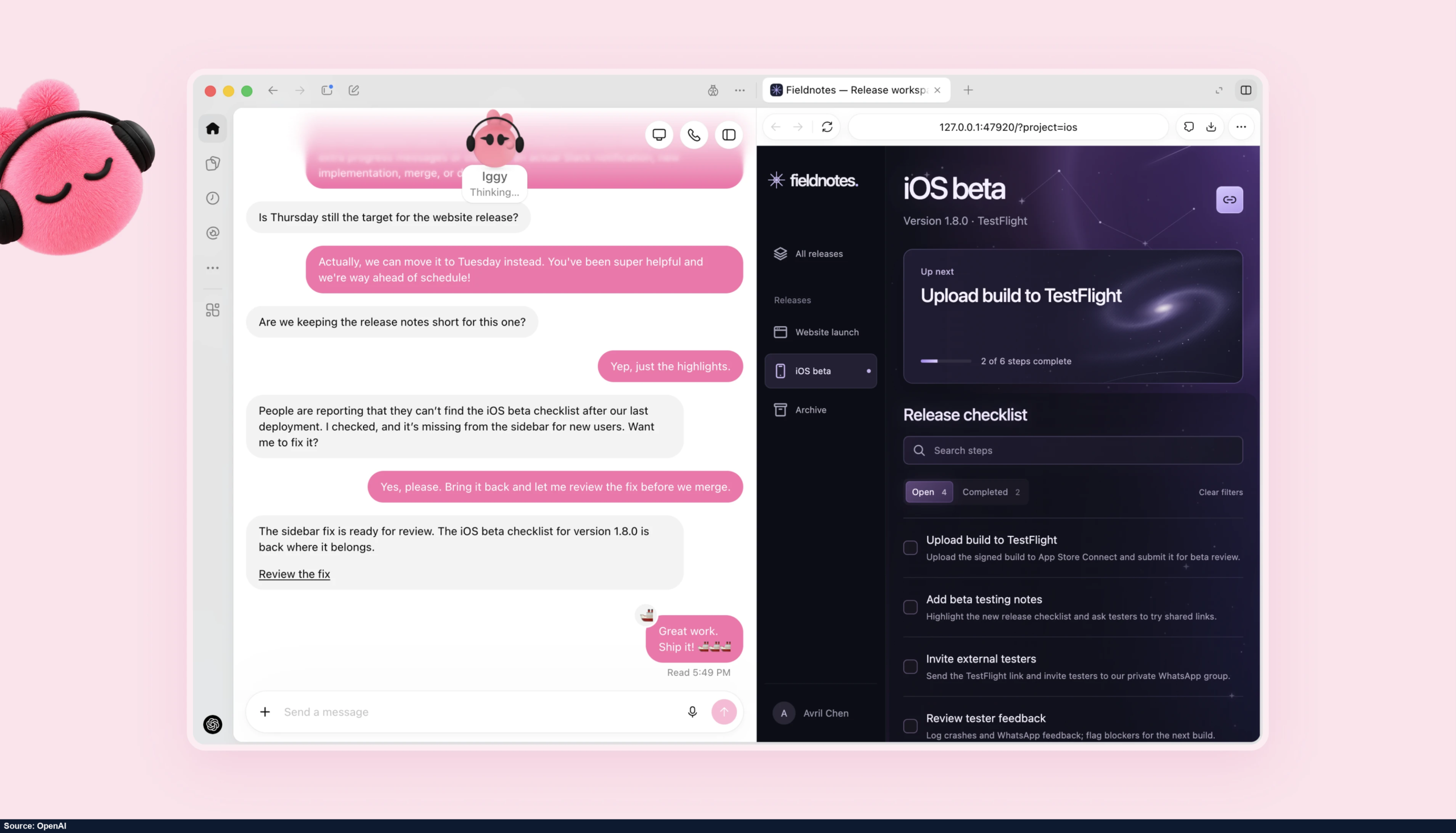
The channel highlights the difference between an agent having its own credentials and simply borrowing a person’s login. A separate identity makes it possible to scope its access, track what it does and manage its role within a team. Dots connect to outside tools through plugins and can participate in work carried out through Slack or Microsoft Teams.
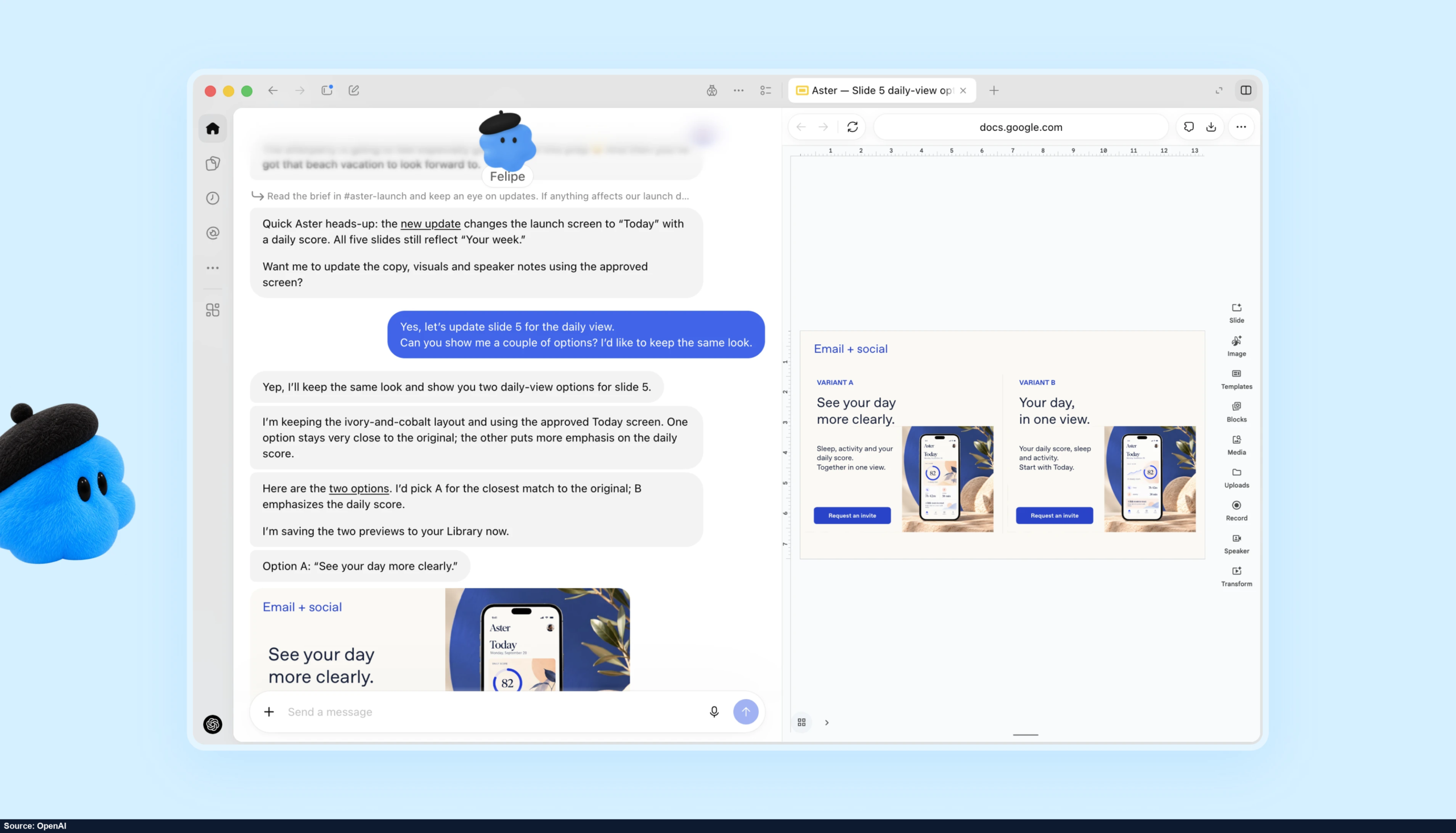
Kurenkov and Harris also discuss the emerging market for teams of agents and Microsoft’s Agent 365 approach. Their emphasis is on how organizations will arrange identities, access and shared work when software agents become participants in the workplace. The official Dots examples show agents preparing a release checklist, revising launch materials and analyzing repeated test results.
What the channel focuses on
The discussion includes the interaction between several agents: one agent may send information or instructions to another, so the identity and authority behind that message become part of the workflow. The channel connects this with audit trails and clearly defined access rights. These are presented as features of managing an agent workforce.
The episode describes the launch-stage rollout to eligible paid accounts and supported markets. Access depends on the account and region. Its central product idea is an assistant that remembers the context of ongoing work and continues toward the goal in its own cloud workspace.